
Display permission notes
Coloring Page Display Permission Note Template
A clear display note helps families and staff understand where finished coloring pages may appear, how names are shown, when pages come down, and how pages return home after display.
Display Note Template
Permission Notes
Use a short note before finished coloring pages appear on a wall, hallway, library board, or community display, then keep detailed source and policy notes in the folder.
Simple classroom note
Classroom bulletin boards and low-risk internal displaysFinished coloring pages may be displayed in our room before they go home.
Hallway display note
Public school hallway or open house displaysFinished pages may be displayed in the hallway until _____.
Take-home timing note
Pages that rotate before going homeDisplayed pages will come home in folders after the display window ends.
Source note
Third-party printable pages and program packetsPrintable page used for classroom or library activity only.
Direct answer
A coloring page display permission note should state where finished pages may be displayed, how student or artist names appear, the display window, when pages go home, and where source or hold requests are kept.
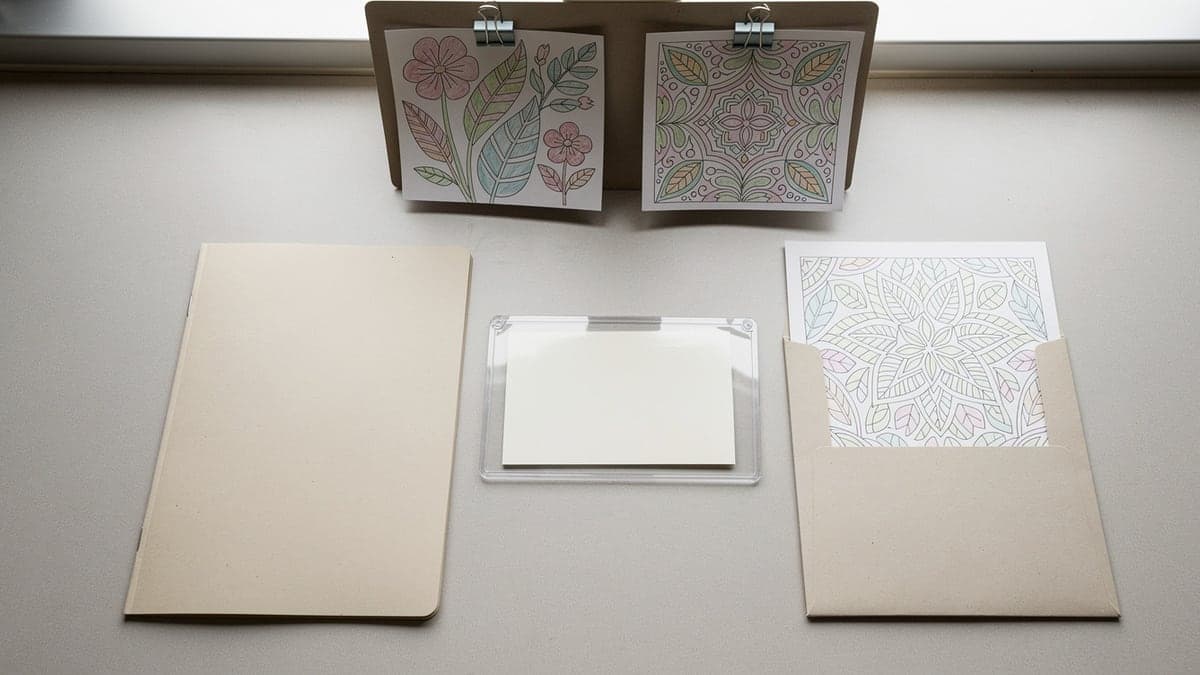
Display note types
Use one note type for the display context. Short, specific wording is easier for families and staff to follow than a long policy paragraph.
| Note | Best for | What to write |
|---|---|---|
| Classroom display note | Bulletin boards, classroom walls, hallway displays, and seasonal showcases | Explain that finished pages may be displayed for a set window, then sent home or moved to folders. |
| Public hallway note | Open house walls, school hallways, library boards, and community displays | Use broad wording for where pages may appear and when they will come down. |
| Parent communication note | Take-home folders, class newsletters, daycare pickup, and homeschool co-op messages | Tell families how finished coloring pages are displayed, returned, and handled if names are missing. |
| Source note | Third-party printables, donated pages, library program packets, and shared class resources | Keep public source wording short and store fuller permission details in the teacher or staff folder. |
| Display window note | Rotating boards, art rails, seasonal walls, and library pickup systems | State the display start date, return date, and where pages go after the display ends. |
| Opt-out or hold note | Private student work, sensitive names, family requests, and pages held for portfolios | Provide a simple way to keep a page off public display or hold it for review. |
Wording examples
Simple classroom note
Classroom bulletin boards and low-risk internal displays
Finished coloring pages may be displayed in our room before they go home.
Hallway display note
Public school hallway or open house displays
Finished pages may be displayed in the hallway until _____.
Take-home timing note
Pages that rotate before going home
Displayed pages will come home in folders after the display window ends.
Source note
Third-party printable pages and program packets
Printable page used for classroom or library activity only.
Name privacy note
Hallway, library, daycare, or community displays
First name or initials only will be used on public displays.
Hold request note
Parent communication and opt-out workflows
Please let us know if this page should not be displayed.
Where to place notes
Take-home folder
Parent communication, return timing, and opt-out requests
Use one small note before the display starts or when pages come home.
Board header
Display window, classroom theme, and source summary
Put shared wording on the board header instead of repeating it under every page.
Back of page
Student name, source details, date finished, and private notes
Use the back when names or source details should not crowd the display.
Program folder
Full source notes, usage details, parent communication copies, and archive notes
Keep detailed records in the staff folder, not on the public wall.
Pickup folder
Displayed pages coming down, no-name pages, and parent note returns
Match the note wording to the pickup folder label so staff can sort quickly.
Class newsletter
General display expectations and recurring classroom routines
Use recurring wording once, then keep individual page notes shorter.
Permission note checklist
Before display
- Choose the display window and return date
- Decide whether names, initials, or no names will be visible
- Prepare one source note for printable pages
- Send a parent note when pages may appear outside the classroom
- Keep opt-out or hold requests in one folder
During display
- Use one board header for shared permission wording
- Keep detailed source notes in the teacher or staff folder
- Move no-name pages away from public display until identified
- Check that display labels match the parent note
- Avoid posting full names in public spaces when initials are enough
After display
- Move pages into return folders on the posted date
- Attach a return slip when the page needs context
- Archive selected examples only when useful
- Recycle duplicate practice pages after pickup windows close
- Save reusable permission note wording for the next display
When unsure
- Use less identifying information on public displays
- Ask the school, library, daycare, or program lead for local policy
- Keep parent requests with the display folder
- Use original or clearly permitted printable pages
- Treat this template as organization help, not legal advice
Scenario pairings
| Setting | Note | Setup |
|---|---|---|
| Classroom bulletin board | Classroom display note | Use first names or initials and a display window in the board header. |
| School hallway display | Public hallway note | Use shorter names, a clear return date, and a parent communication note. |
| Library coloring program | Source note | Keep public source wording short and store full source details in the program folder. |
| Daycare art wall | Parent communication note | Use simple pickup language and avoid private details on the public wall. |
| Homeschool co-op table | Display window note | State the display date and where families pick up pages afterward. |
| Portfolio hold | Opt-out or hold note | Mark pages that should stay private, wait for review, or skip display. |
Keep policy details with the folder
This template helps organize display communication, but local policy still matters. Keep detailed source notes, parent requests, and program rules in the teacher or staff folder where they can be checked later.
Review the rights checklistHelpful note supplies
Start with folders and reusable note wording. Add labels, pockets, or clipboards only when displays repeat or parent communication needs tracking.
| Supply | Best for | What to know | Compare |
|---|---|---|---|
| Removable labels | Temporary permission notes, return dates, folder labels, and display windows | Removable labels make it easier to update wording between displays. | Compare on Amazon |
| Pocket folders | Parent notes, opt-out requests, source notes, and displayed pages coming home | Use one folder for each stage so display notes do not get lost. | Compare on Amazon |
| Cardstock | Board headers, reusable permission notes, and display window signs | Cardstock keeps shared display notes readable on busy boards. | Compare on Amazon |
| Dry erase pockets | Reusable display windows, changing return dates, and recurring program notes | Use pockets when the same display note changes by date. | Compare on Amazon |
| Clipboards | Parent sign-off sheets, staff notes, and portable program folders | Clipboards help when display notes are collected away from a desk. | Compare on Amazon |
| Sheet protectors | Saving source notes, parent note copies, and program records | Sleeves keep repeated note templates from getting worn out. | Compare on Amazon |
| Large envelopes | Returning displayed pages, sending home notes, and keeping pages flat | Envelopes are useful when finished pages should not be folded. | Compare on Amazon |
| Paper trimmer | Cutting repeated notes, display labels, and folder slips | A trimmer keeps a whole-class set of notes consistent. | Compare on Amazon |
Useful contexts
Teacher communication pages, school hallway display guides, homeschool co-op policies, daycare activity pages, and library program templates can use this as a practical wording starter.
Helpful wording includes coloring page display permission note template, classroom display permission note, public hallway display wording, finished coloring page parent note, and coloring page source note.
FAQ
What is a coloring page display permission note?
A coloring page display permission note is a short classroom, library, or program note that explains where finished pages may be displayed, how names are shown, when pages come down, and how pages go home.
What should a display permission note include?
Include the display location, display window, name format, return timing, source note when needed, and a simple way to hold a page from public display.
Do coloring pages need permission before classroom display?
Local policy varies. For low-risk classroom boards, a simple family communication note may be enough. Public hallway, library, daycare, or community displays should follow the organization policy.
How should names appear on public coloring page displays?
Use the least identifying wording that still works for pickup and recognition. First names, initials, table groups, or no visible names may be better than full names in public areas.
Should printable coloring pages include source notes?
A short source note is useful for third-party printables and shared program packets. Keep full source or permission details in the teacher or staff folder.
Is this permission note legal advice?
No. This template is for organizing classroom, library, and program communication. Follow the policy of your school, library, daycare, co-op, or program.